
PRACTICAL HELP · GRASSROOTS CRICKET
Your club. Ready for the first ball.
How to stream club cricket on YouTube, connect the camera and keep supporters close to the match. Four guides built around the LWS setup and our testing experience.
Explore LWS for clubsStart with the part you need.
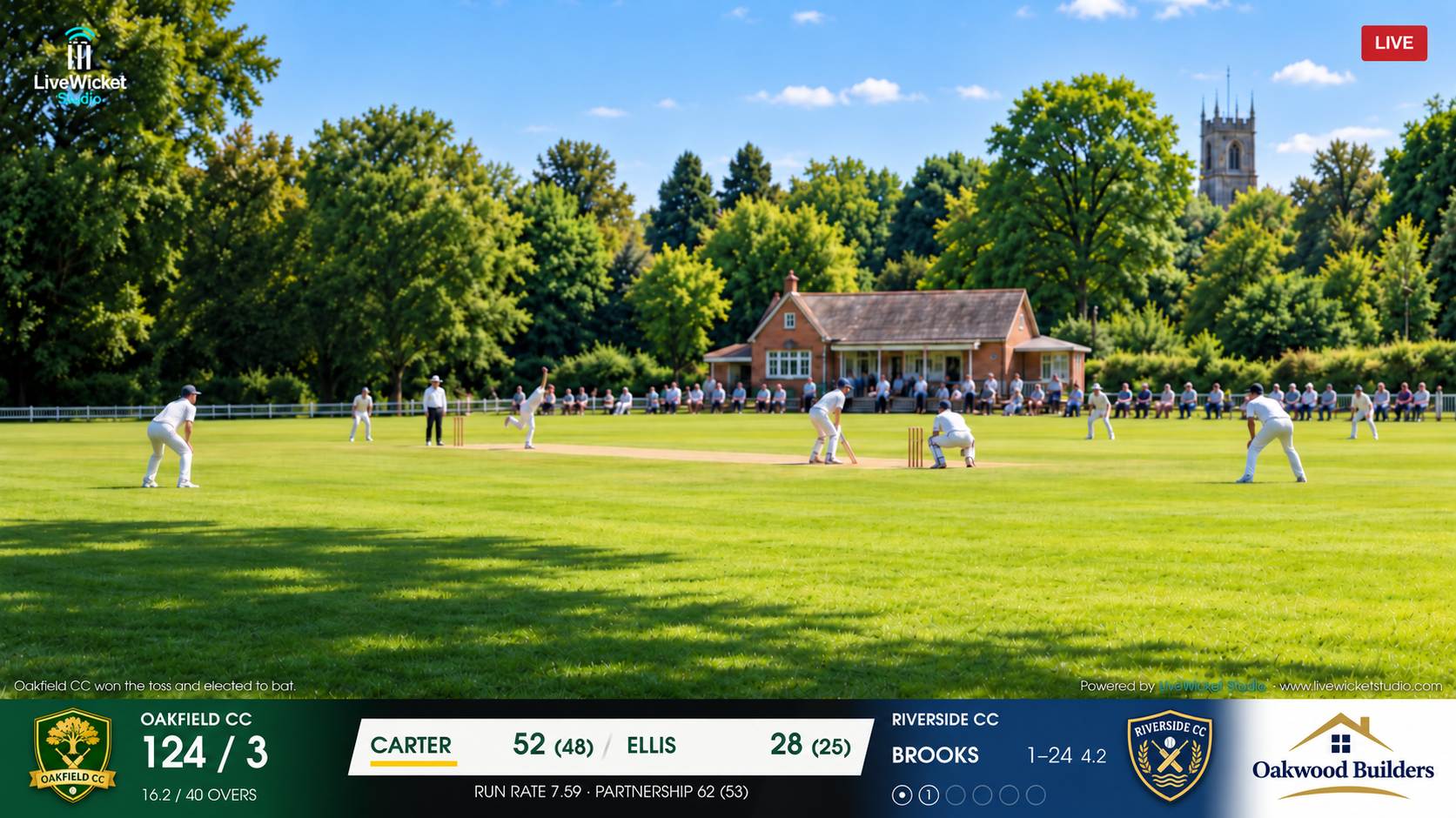
Stream a club match to YouTube
A practical club cricket streaming guide: prepare YouTube, connect a camera, test OBS, add live scores and check the broadcast before match day.
Read the guide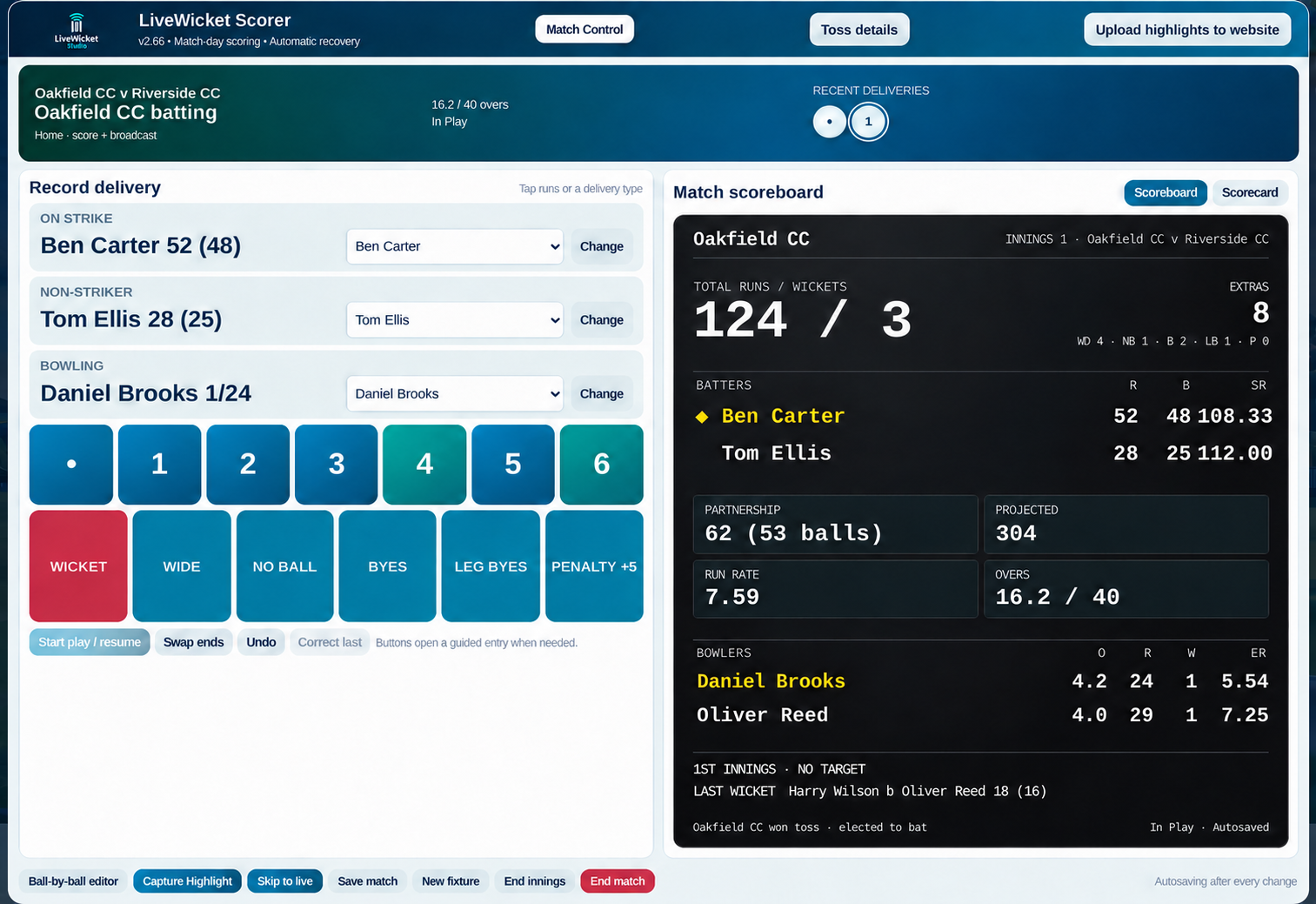
Score and control the broadcast
See how the LWS built-in cricket scorer feeds live overlays and works alongside Match Control, with score-only mode for matches without a stream.
Read the guide
Set up a wireless boundary camera
Plan camera position, Wi-Fi coverage, camera power and internet upload for cricket streaming. Practical checks for a Windows laptop and wireless camera setup.
Read the guide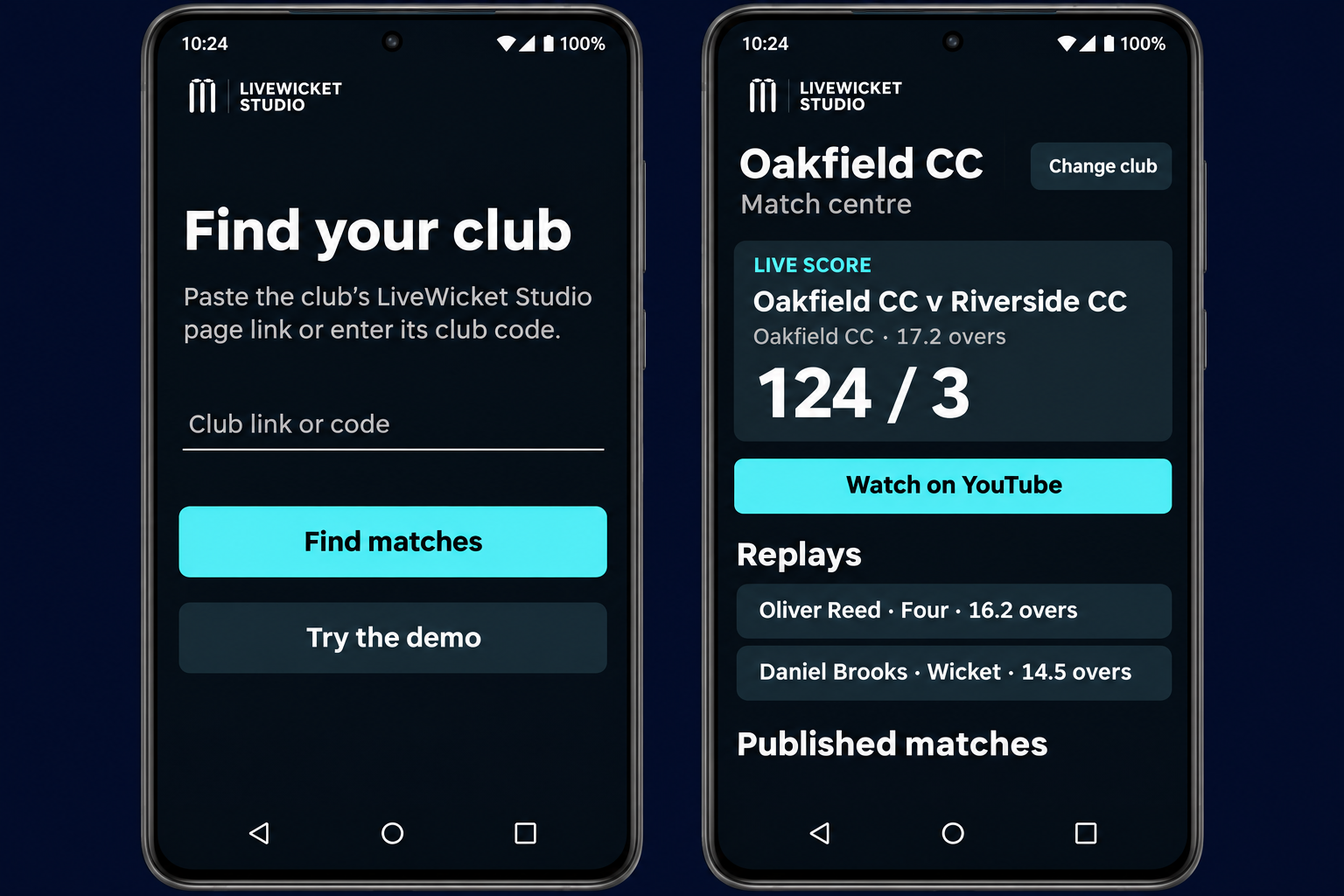
Share match centres and wicket highlights
How LWS brings club results, scorecards, sponsor branding and YouTube wicket highlights together, plus live ball-by-ball updates in the Android pilot.
Read the guideA practical starting point
These guides describe the LWS Windows laptop workflow with built-in scoring and OBS. Screenshots use sample match details. The software is in development, and the Android supporter app is in pilot development. Ask about current availability and test your own ground before planning a live fixture.
For equipment, camera supply, sponsorship placements and a demonstration, visit Live cricket streaming for clubs.