
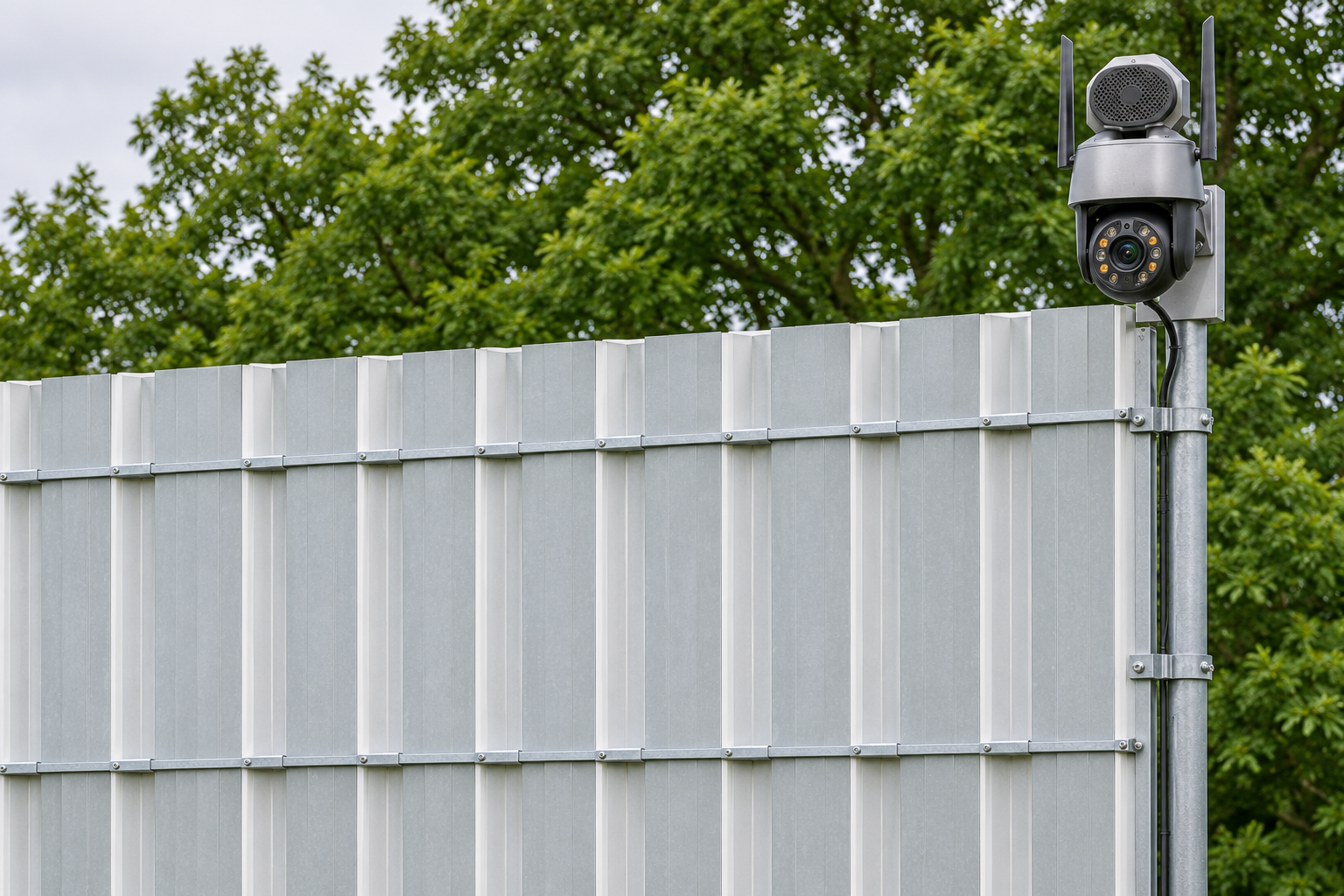
Choose the view and a safe mounting position
Start with a clear view of the pitch from the boundary, then check that the camera can frame the playing area without obstructing players, spectators or sightscreens. Arrange permission for the position and mounting with the club.
A pole or bracket must be suitable for the camera and location. Keep the equipment secure, protect cables and connectors from weather, and avoid creating trip hazards. The pictured installation is an illustration, not a mounting specification.
Test Wi-Fi at both ends
The camera sends video across the local network to the laptop. Check coverage where the camera will stand and where the scorer will sit. Pavilion walls, trees, distance and other users can all affect the link. A phone showing a signal is a starting check, not proof that video will remain stable.
In our setup tests, the planned distances were roughly 15 metres from camera to router and 25 metres from laptop to router. Those are test conditions, not supported range claims. Your ground needs its own trial with the actual equipment.
Plan power separately from wireless video
Wi-Fi does not power the camera. Use a suitable power supply and safe, weather-appropriate connections at the boundary. The laptop and network equipment need power too.
Do not assume a small battery pack will run the setup for a whole match. Any battery arrangement needs a compatible output, enough usable capacity for the match and a practical full-duration test. Ask about your ground’s power arrangements when discussing a supplied camera package.
Check the local picture before the internet stream
Confirm a steady camera picture on the laptop, then add it to OBS. Watch movement on the pitch and try the zoom positions you will use. LWS is being developed around three useful views: Wide Shot, Inner Ring Shot and Close Shot.
Next, stream a test to YouTube while watching OBS Stats. If the local camera picture breaks up, investigate the camera or local network first. If OBS looks clean but YouTube buffers, investigate the encoder, internet upload and viewer connection.
Rehearse under matchday conditions
Test with the laptop in its usual place and the camera at its intended position. Run for long enough to reveal interruptions, overheating or power problems. Check again when the ground is busier, because other network use can change the result.
A wired link may be preferable where wireless coverage is unreliable. Ask LWS about camera supply and compatibility before buying equipment. We can discuss the picture, mounting and network together, rather than treating camera choice as the whole solution.