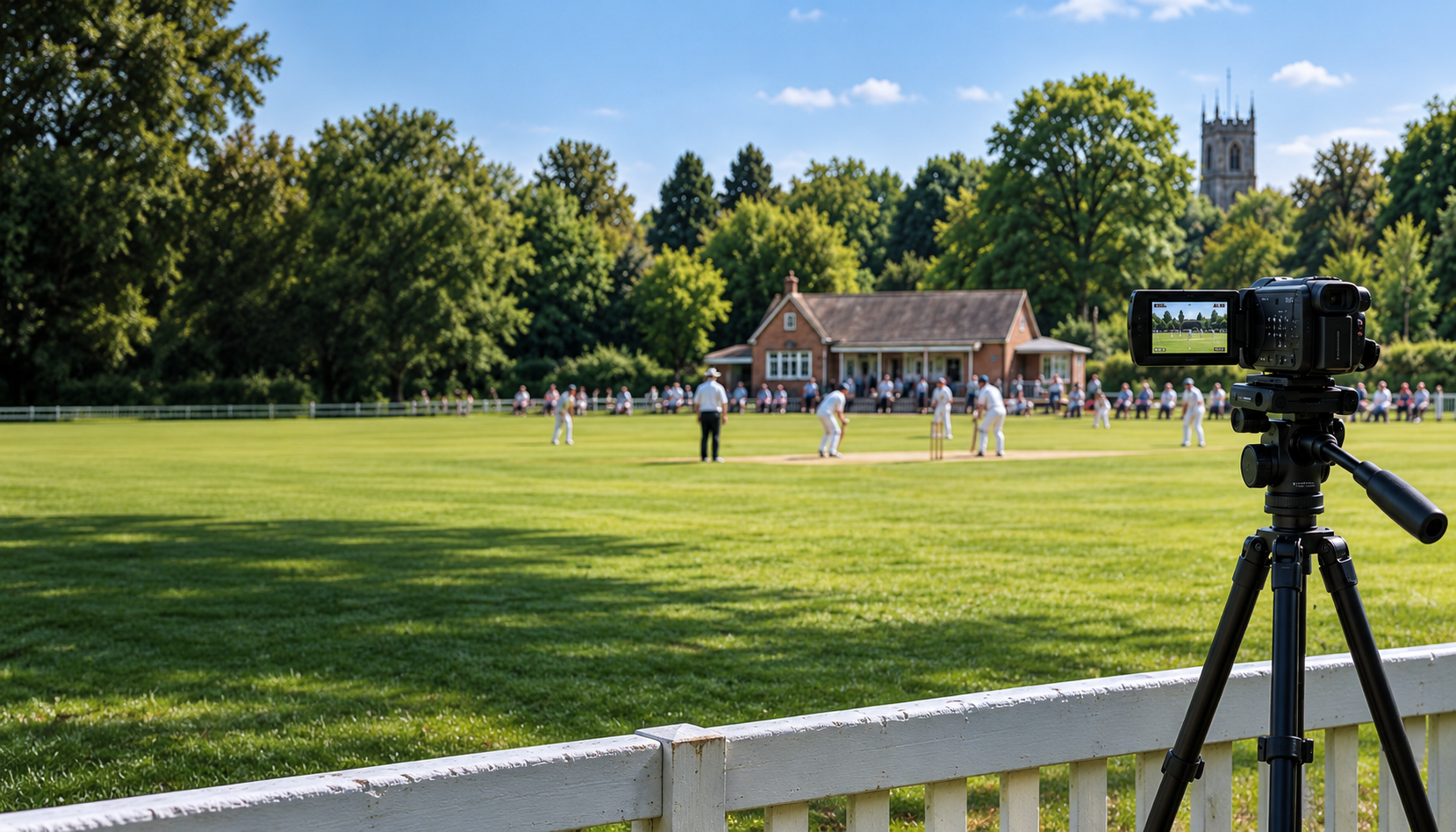
 ⌁ WI-FI CAMERA
Connect without a cable run
Place a compatible Wi-Fi camera at the boundary and connect it over your ground’s network. No long video cable back to the scorer’s desk. Camera still needs power and reliable Wi-Fi.
 LiveWicket Studio
Book a demo
SCORE. STREAM. ATTRACT SPONSORS.
LiveWicket Studio brings grassroots cricket streaming and built-in scoring together on a Windows laptop. Score your match, control a YouTube broadcast and put your club’s sponsors in the picture. Give supporters live ball-by-ball cricket updates and a home for published scorecards and wicket highlights.
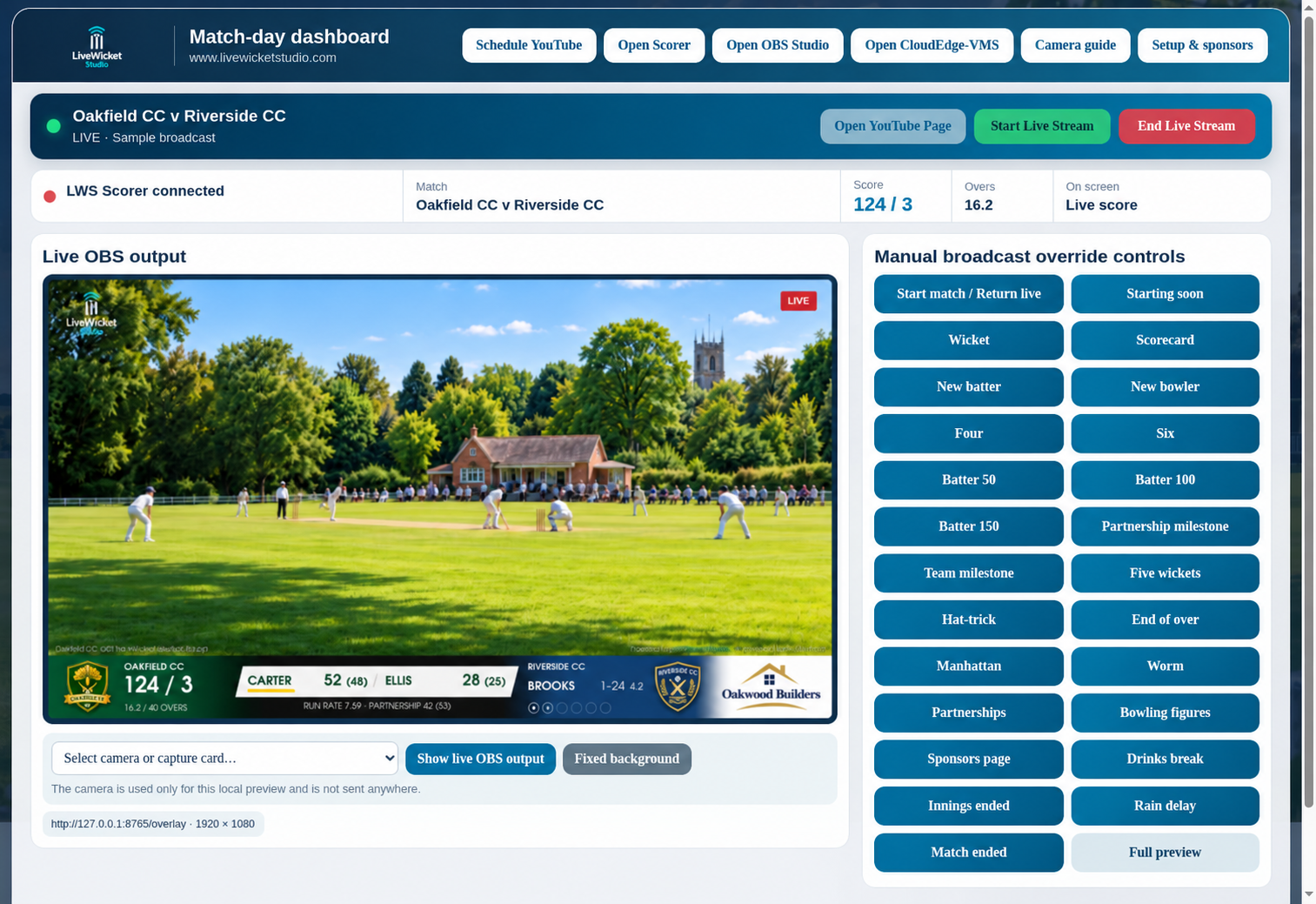
LWS brings scoring and stream controls together on one screen. OBS runs the YouTube broadcast engine in the background.
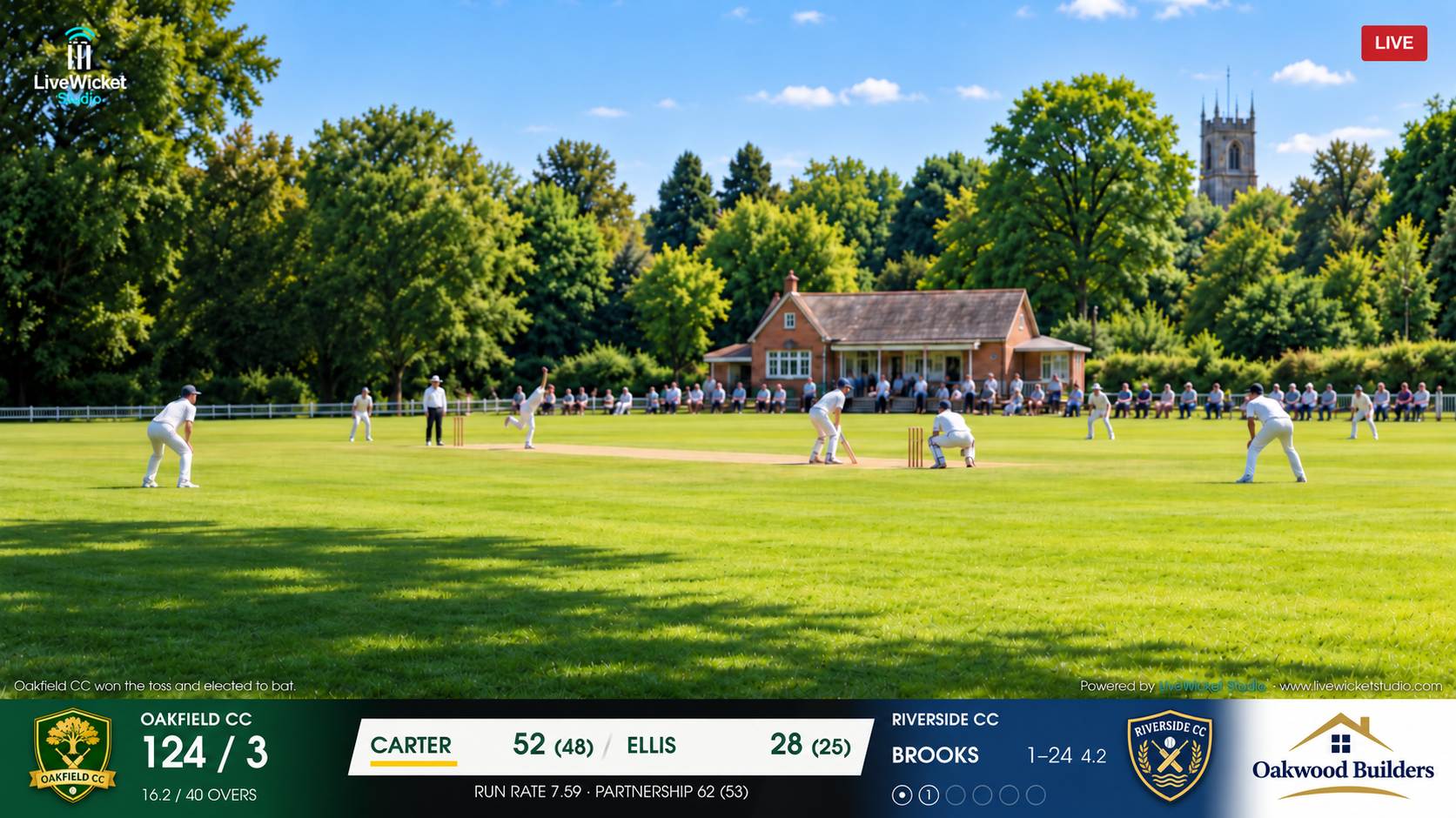
ONE SYSTEM · FOUR MATCHDAY STEPS
LiveWicket Studio brings the moving parts together, so your scorer can keep the match and the broadcast on the same page.
⌁ WI-FI CAMERAPlace a compatible Wi-Fi camera at the boundary and connect it over your ground’s network. No long video cable back to the scorer’s desk. Camera still needs power and reliable Wi-Fi.
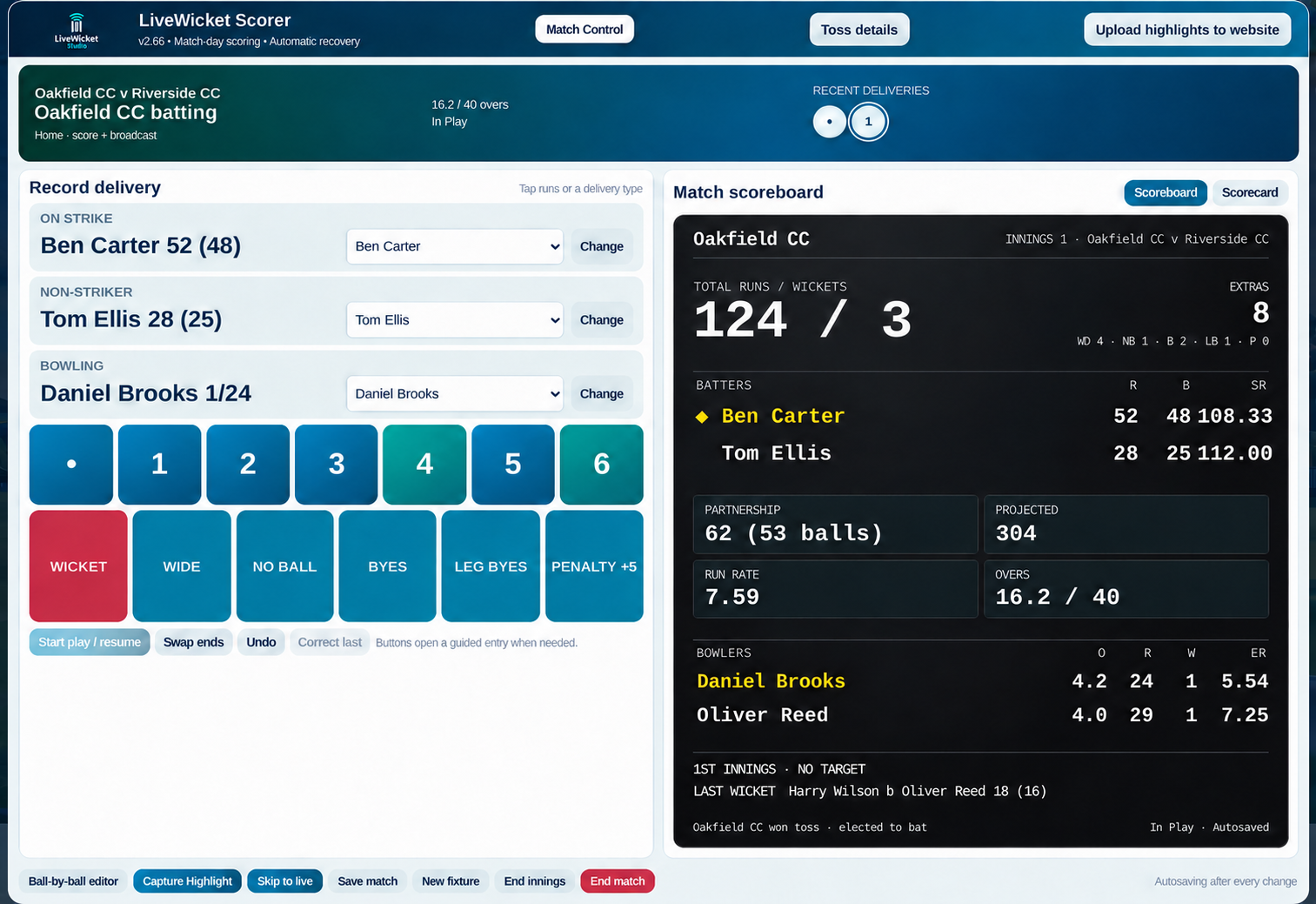 ● SAME MATCH
Use the built-in scorer and match controls together in LWS. LWS scoring feeds the graphics directly. This workflow uses the built-in scorer and does not depend on PCS Pro or Play-Cricket Scorer.
▶ YOUTUBE LIVERun the YouTube stream from the same LWS match workspace, with your score, batters, bowler, club identity, sponsor graphics and automated moments on screen.
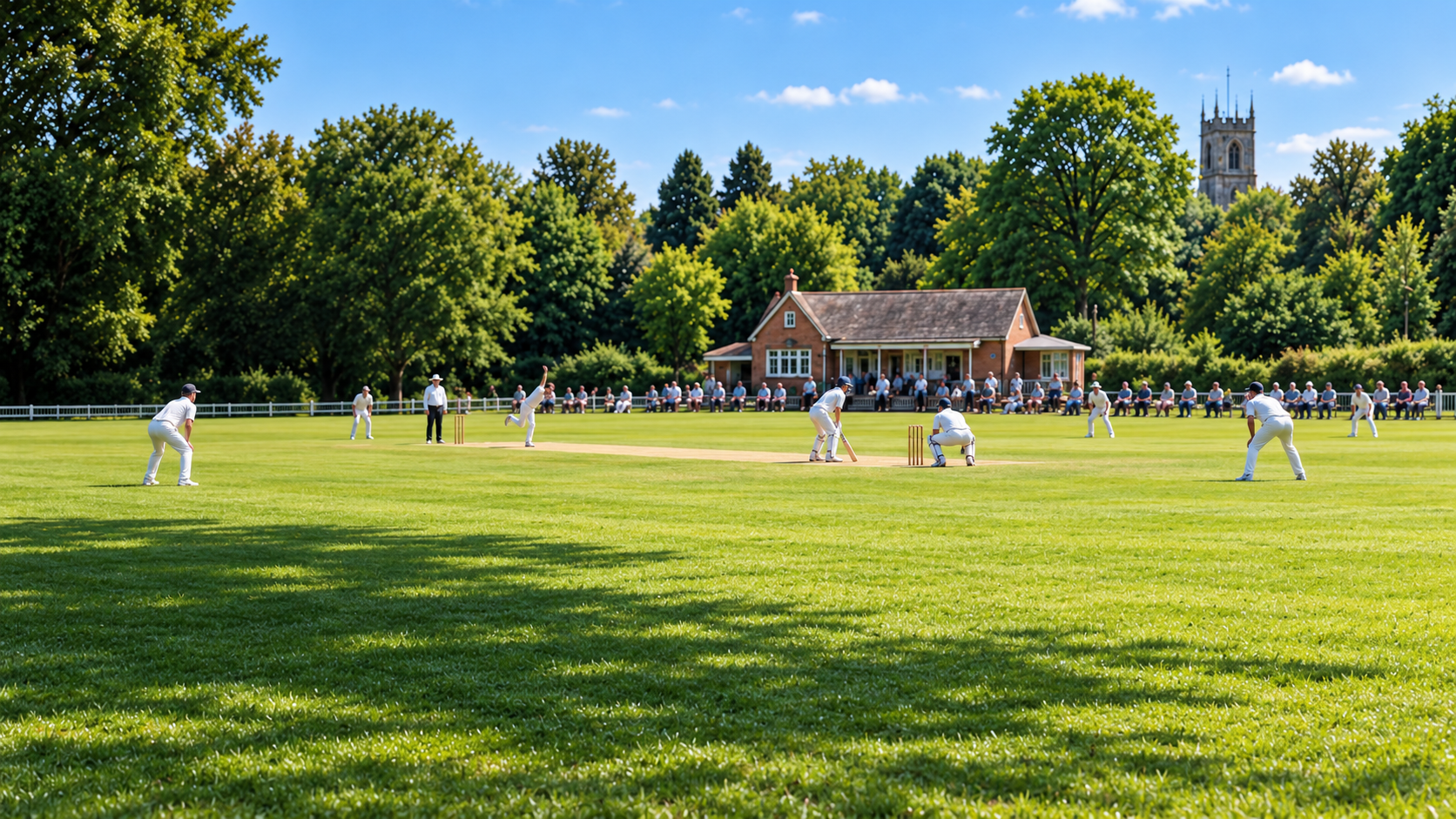 ✦ CLUB HIGHLIGHTS
Publish results, scorecards, key performances and wicket highlights on a dedicated club page supporters can come back to.
THE MATCH FOLLOWS THEM
Supporters shouldn’t have to choose between being at the ground and knowing what’s happening. The LWS Android app keeps them close to every innings, wherever they are.
The Android app is in pilot development. This is a visual preview of the app, with sample club and match details. Ask about current club availability. Pilot features and launch availability may change.
Ask about the LWS app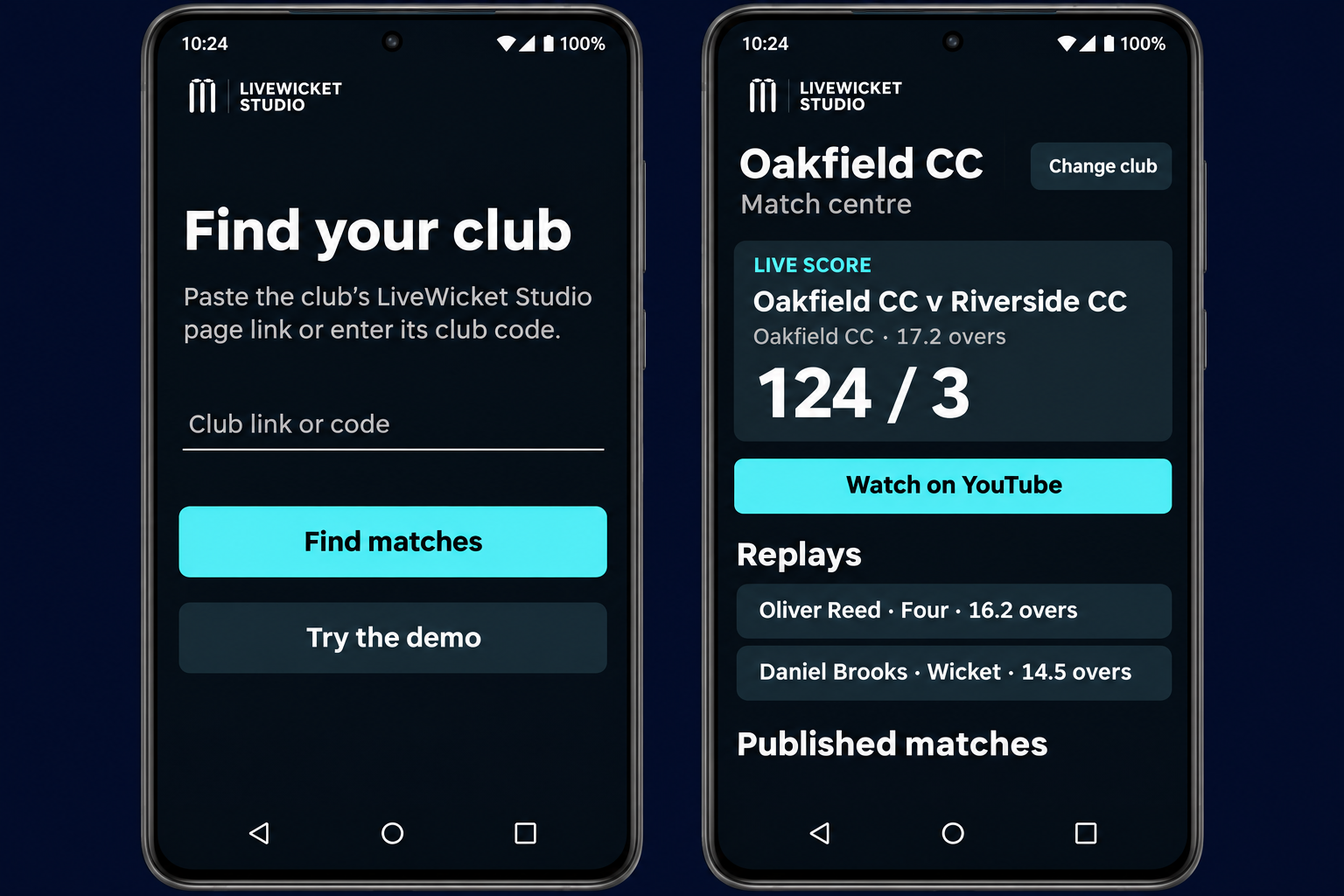
YOUR CLUB’S MATCHDAY, KEPT IN ONE PLACE
Each club gets a dedicated LiveWicket match centre: a place for supporters to follow the live game, revisit the scorecard, see key performances and watch the highlights after the final ball.

Illustrative club match centre · sample content
MADE FOR THE PEOPLE RUNNING MATCHDAY
Score, control the broadcast and make the stream look like your club. Here’s a look inside LWS.
THE YOUTUBE STREAM, MADE TO FEEL LIVE
Viewers get more than a camera pointed at the pitch. LiveWicket Studio layers match information and animated graphics into the YouTube broadcast as the game unfolds, turning the score, boundaries, wickets and replays into moments people can see and feel.
The same screen that drives the match can trigger the right graphic at the right time. Your club looks more professional, and local sponsors stay part of the picture throughout the match.
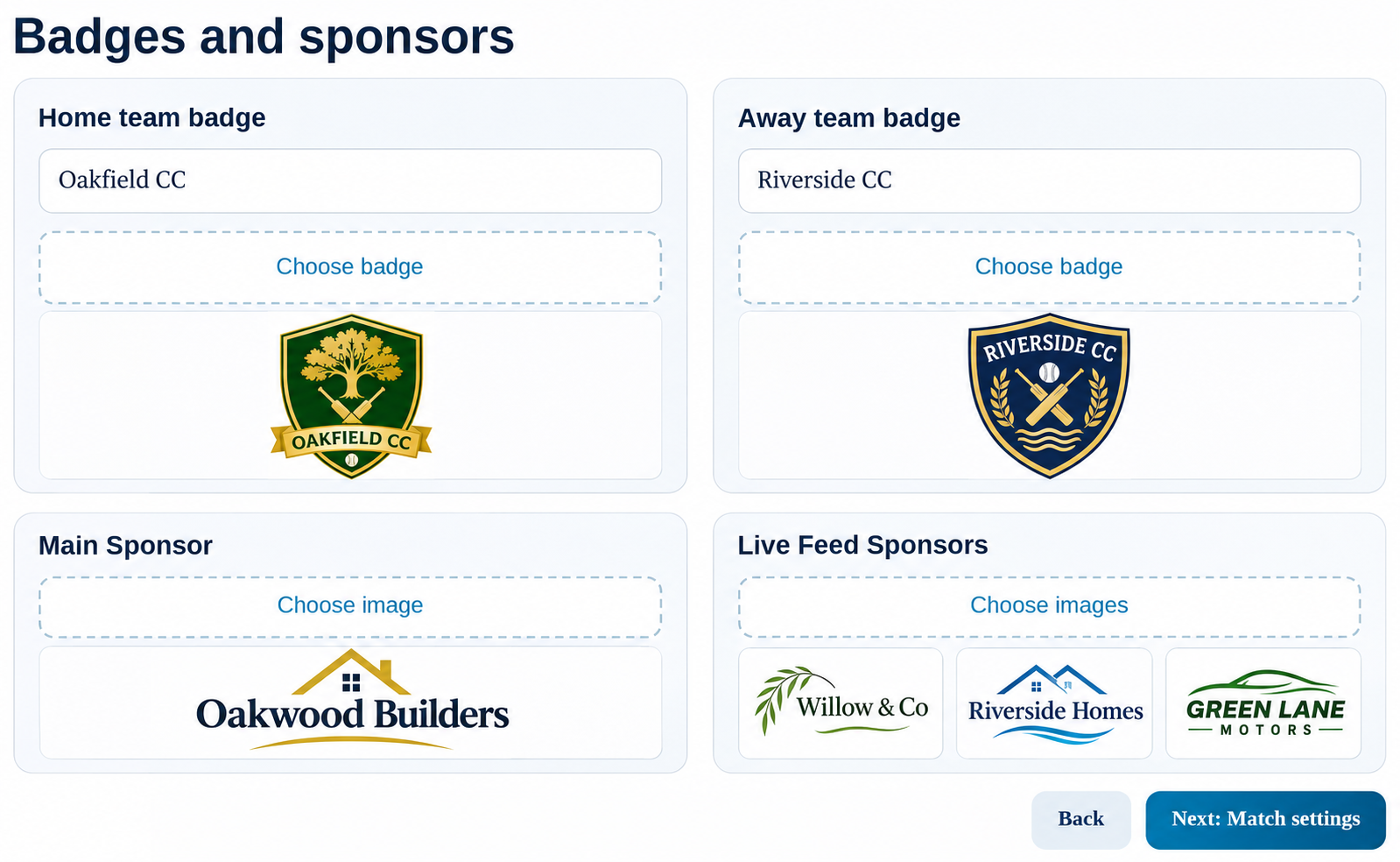
See the broadcast in a demo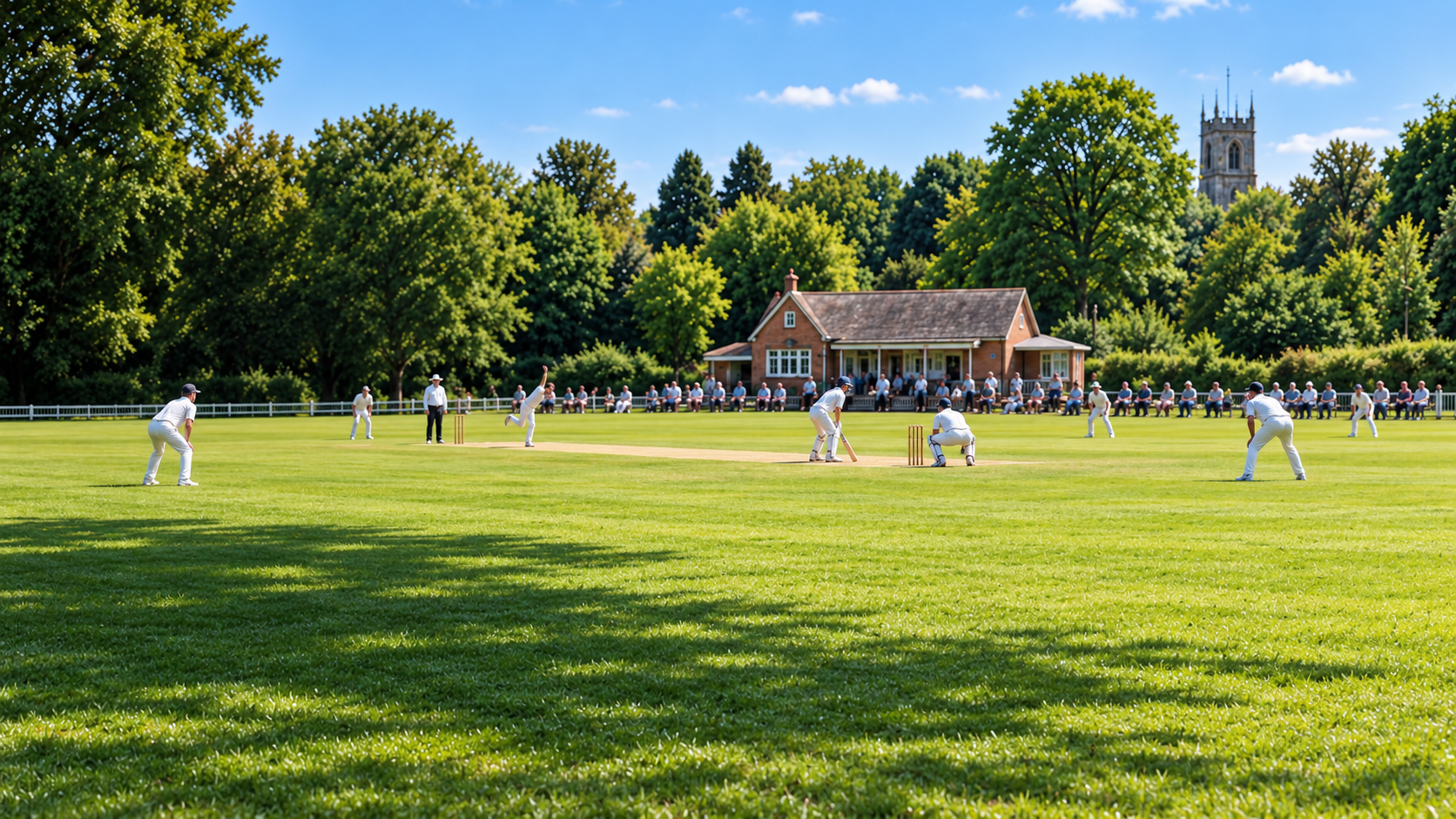 Real club and partner logos take the place of these samples
Illustrative overlay examples. Graphics and match details vary by event and setup.
 20×OPTICAL ZOOMWIRELESS CAMERA PACKAGE
Illustrative image. Camera appearance and mounting may vary.
CAMERA, CONNECTION AND SETUP FROM LWS
We can supply the camera package and help match it to your ground. The camera connects to the streaming laptop over Wi-Fi, so there’s no long video cable from the sightscreen to the scorer’s desk. Set the camera up, open your match and score and control the stream from one LWS screen.
Wide ShotInner Ring ShotClose Shot
We’ll quote for the supplied camera package and the mounting arrangement your ground needs. The camera still requires power, and dependable Wi-Fi coverage is essential.
Ask LWS to supply your cameraEARLY CLUB OFFER · 2027 SEASON
Start with the LWS software, then build the setup around your club. Already have a Windows laptop, camera and internet? We’ll help you understand what you need and how the pieces fit together.
A compatible Wi-Fi camera is optional and quoted separately; camera power and reliable internet are still required. OBS runs the broadcast engine in the background while you score and control the match from LWS.
Software · per club · first year
Then £199 per year on renewal.
Ask about the early offer Enquiry only. Camera equipment quoted separately. No payment is taken here.GOOD TO KNOW
Your club can stream the match to YouTube with LWS live graphics. Supporters can also follow live ball-by-ball updates, check the scorecard and view wicket replays in the LWS phone app, subject to app pilot availability.
No. We can supply a camera package for your club and quote for the camera and mounting setup separately from the software.
A Windows laptop running LWS, a compatible camera, Wi-Fi coverage at the camera, reliable internet and a YouTube channel. OBS runs in the background for the broadcast. Camera power is still required.
Yes. Score-only mode is available, so you can use the LWS scorer and share match updates even when you aren’t running a live broadcast.
The public LWS app is being prepared for club use and is in pilot development. Contact us to ask about the current pilot and availability for your club.
No. The £149 early rate is for the LWS software for the first year. Camera equipment is optional and quoted separately; annual software renewal is £199.
PRACTICAL HELP FOR YOUR CLUB
Start with the setup, understand the scoring workflow and see how supporters can follow your match.

A practical club cricket streaming guide: prepare YouTube, connect a camera, test OBS, add live scores and check the broadcast before match day.
Read the guide
See how the LWS built-in cricket scorer feeds live overlays and works alongside Match Control, with score-only mode for matches without a stream.
Read the guide
Plan camera position, Wi-Fi coverage, camera power and internet upload for cricket streaming. Practical checks for a Windows laptop and wireless camera setup.
Read the guide
How LWS brings club results, scorecards, sponsor branding and YouTube wicket highlights together, plus live ball-by-ball updates in the Android pilot.
Read the guideLET’S TALK CRICKET
Ask for a demo, talk through camera options, find out about app pilot availability or get a clear picture of what your club would need.
LWSYou’ll speak directly with Ian, the person building LiveWicket Studio.